GCash Payment Instructions
Please scan the QR Code below using your GCash app and pay the correct amount.
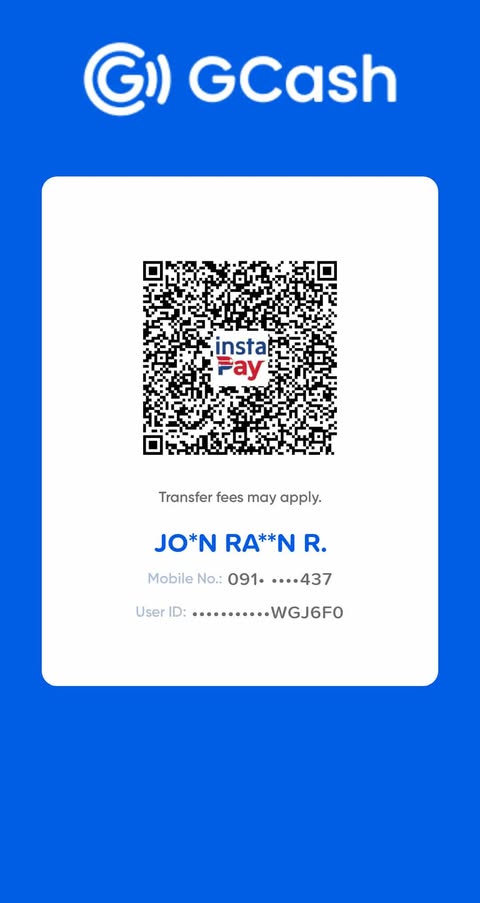
Once payment is made, kindly upload your proof of payment using the form below: Upload Screenshot (JPG/PNG):
Please scan the QR Code below using your GCash app and pay the correct amount.
Once payment is made, kindly upload your proof of payment using the form below: Upload Screenshot (JPG/PNG):